

Reference: OwlScanner
Compact 1.6 kg LiDAR scanner that delivers a point cloud, 16K HDR panoramas and an AI-assisted floor plan to refine, all from a single site visit. 5 mm accuracy at 10 m in stationary scanning.
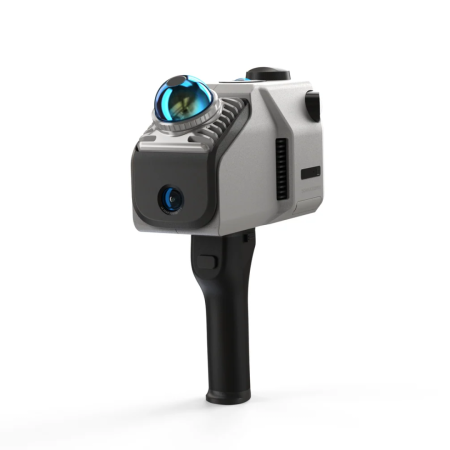
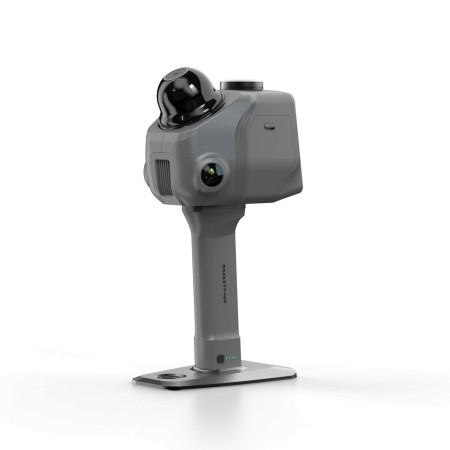
Owl is the compact 3DMakerpro LiDAR scanner designed for spaces you need to measure, revisit and turn into floor plans. A single capture gives you both the point cloud and the colour panoramas, then the RayStudio software processes both for free. The result: you leave the site with a measurable 3D model, images of the location and a floor plan to refine.
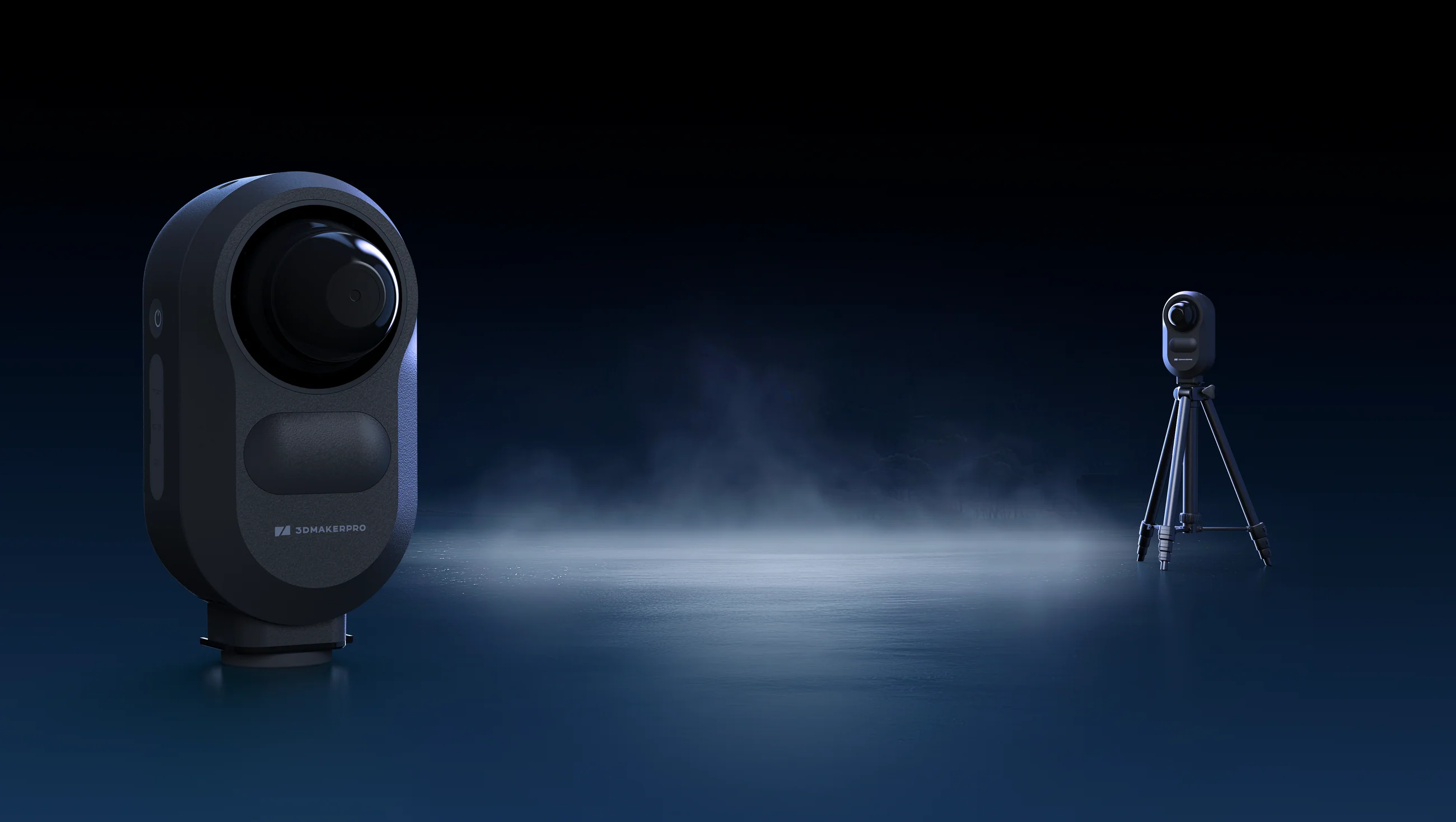
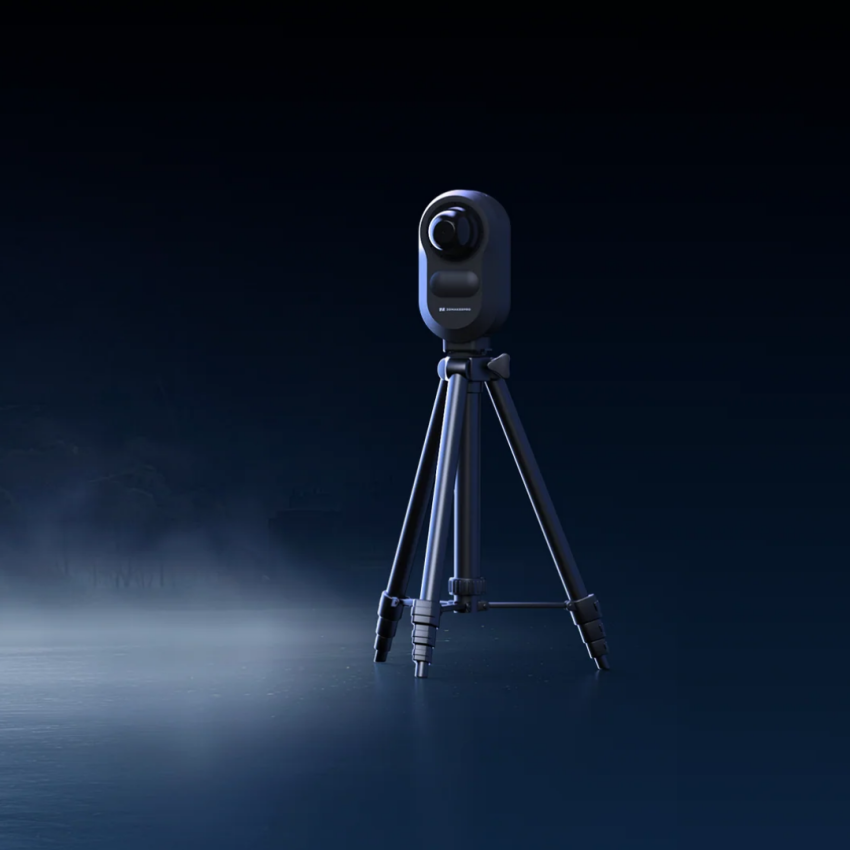
Owl works on a tripod and rotates to capture the environment over 360° horizontally and 280° vertically, at 192,000 points per second and with a scan radius of 0.5 to 60 m (at 20% reflectivity). In stationary scanning the ranging accuracy is 5 mm at 10 m.
Each station takes about 1 minute in Fast mode, 1 minute 30 seconds in Standard and 3 minutes in High resolution, the mode that gives the densest point cloud for measuring. At each station Owl turns once to scan with the laser and once more to take photos.
The best part is that you can measure from your desk: widths, heights, facades and spans you didn't measure on site are still in the scan. You can measure a facade without a ladder, take a building's plan dimensions from above without going onto the roof, and draw sections and views straight from the point cloud.
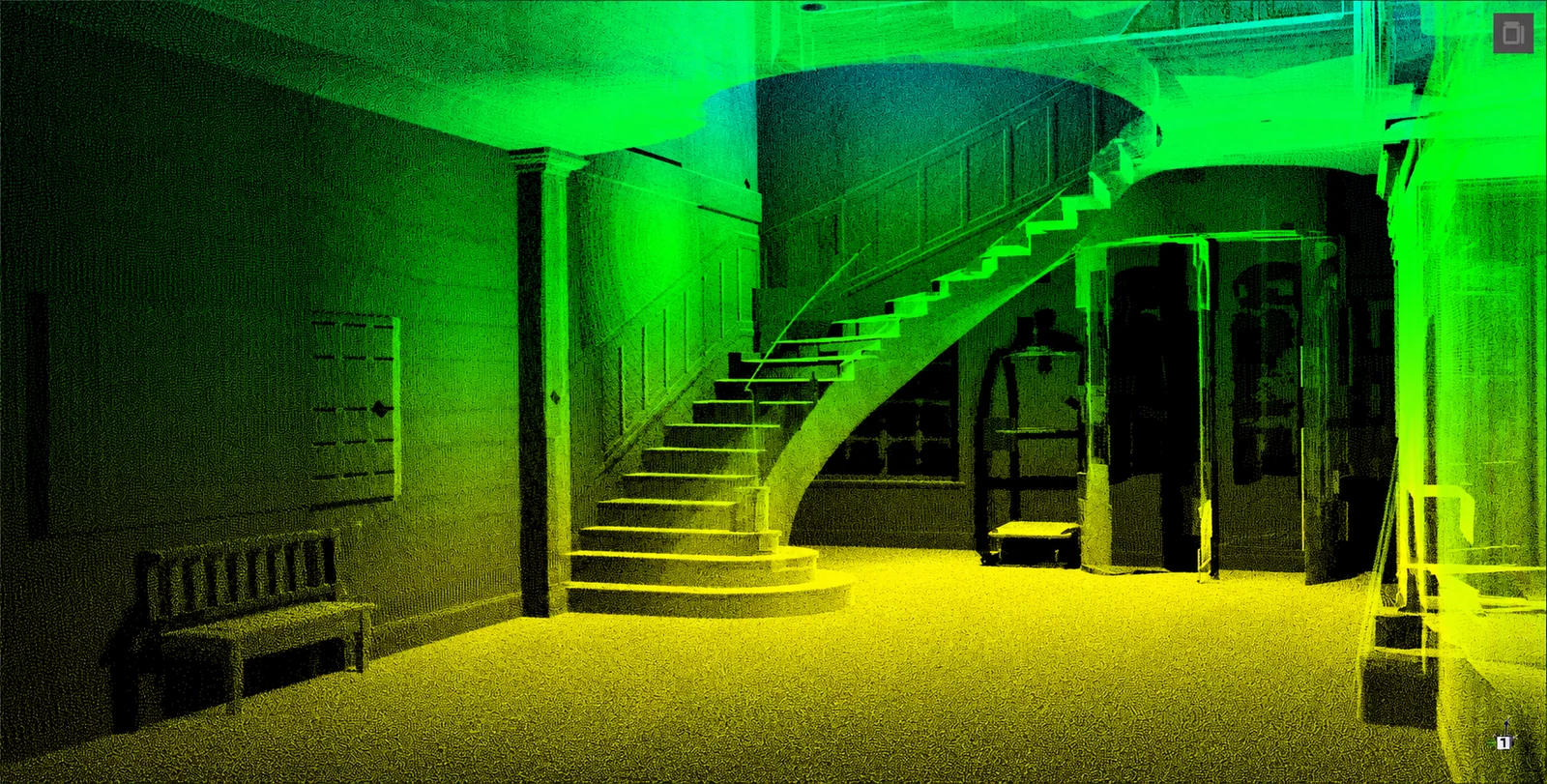
Three 48 MP cameras colour the point cloud and capture 16K HDR panoramas (16,000 × 8,000 pixels) you can revisit whenever you need. HDR keeps both windows and dark corners readable in the same panorama, while 10-bit RAW leaves room to recover highlights and shadows and give the whole project one consistent look. Signs and details stay on the measured geometry: you read surfaces, not just shapes.
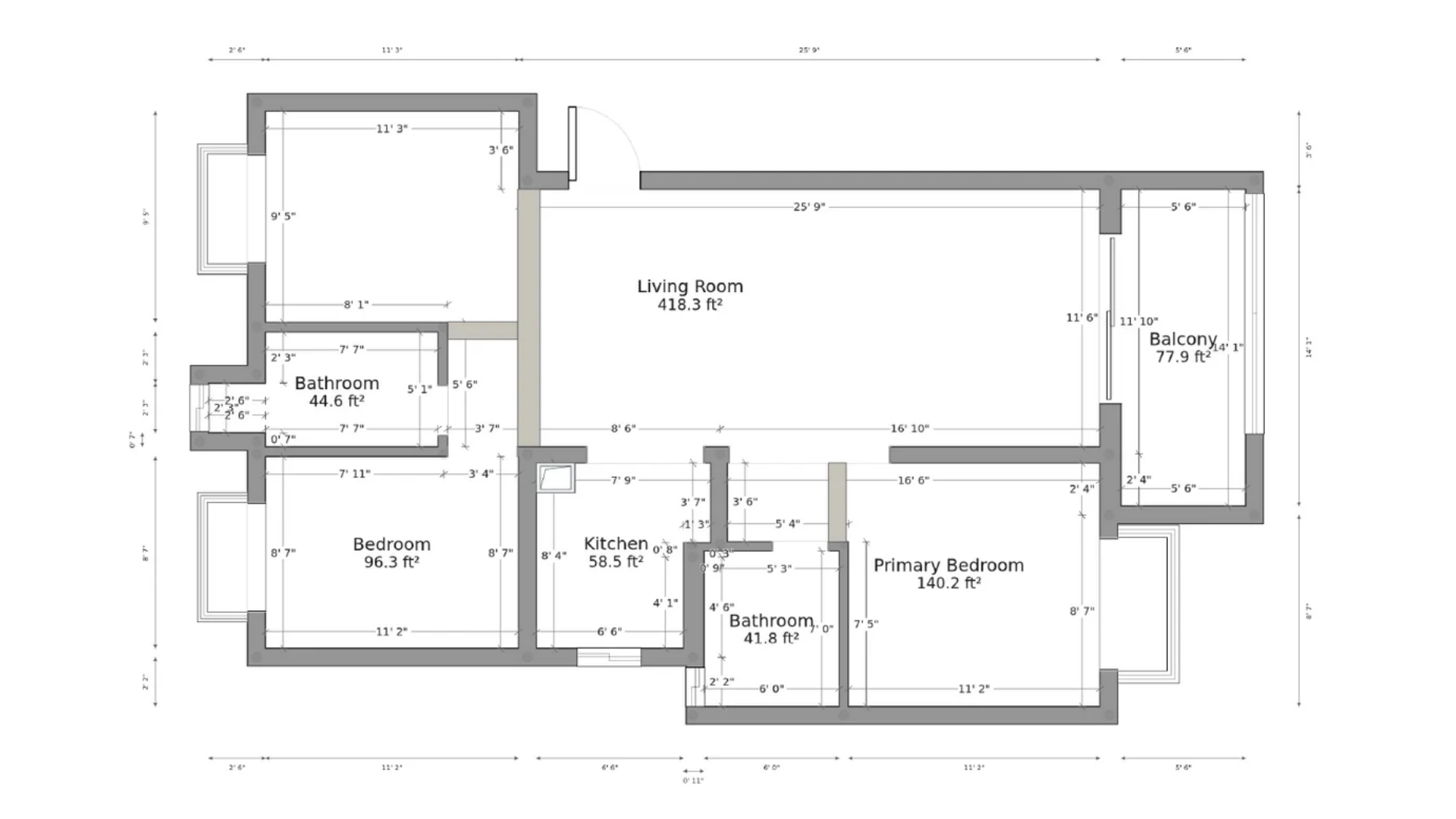
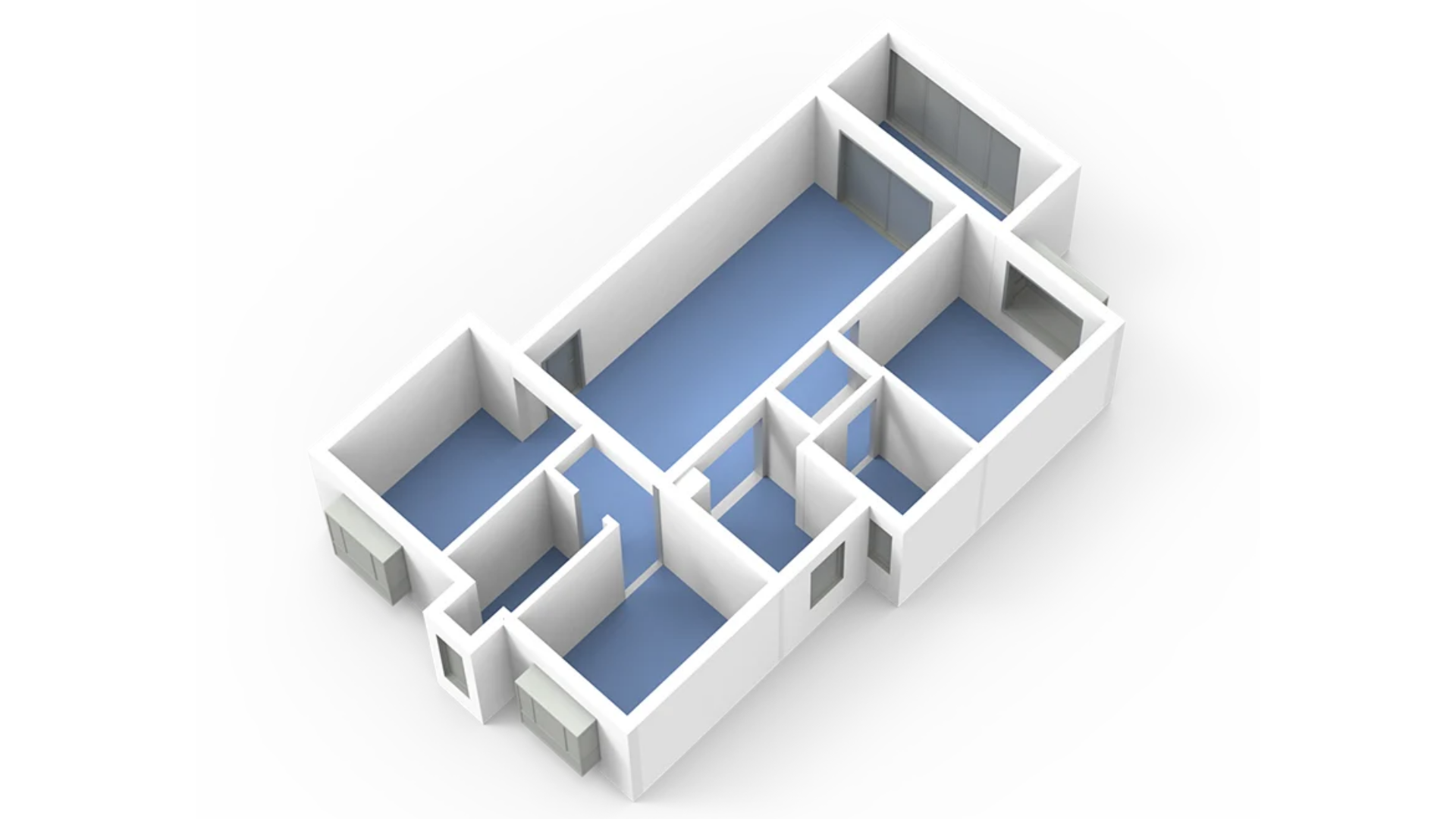
After scanning, RayCraft automatically extracts the walls from the point cloud and JIMUMETA generates a basic floor plan. The next step is yours: you check the plan against the point cloud in the 3D window, adjust the walls, add doors and windows and then export. From the same project you get the 2D floor plan, the point-cloud plan view and the 3D layout of the rooms.
The AI floor plan is a starting point, not a construction drawing: always check the dimensions against the point cloud before relying on it.
Owl is a one-time purchase: scanning, RayStudio processing and local exports need no subscription.
| Owl standard | Owl premium | Owl Max premium | |
|---|---|---|---|
| Scanner | 3 cameras | 3 cameras | 5 cameras |
| Capture modes | Stationary | Stationary | Stationary and handheld (2 cm) |
| Power adapter and 128 GB microSD | ✓ | ✓ | ✓ |
| Stationary tripod | — | ✓ | ✓ |
| Power kit and 2 × 10,000 mAh power banks | — | ✓ | ✓ |
| Carry case | — | ✓ | ✓ |
| Handheld tripod and 360° camera / phone mount kit | — | — | ✓ |
Owl Max premium adds handheld scanning, binocular visual tracking and 3D Gaussian splatting with a compatible Insta360 accessory.
Architecture and BIM, interiors and homes, showrooms, museums, car parks and underground spaces, streets and film sets: Owl works both indoors and outdoors (it is not waterproof). Dark or low-reflectivity surfaces, glass, mirrors, occlusion and moving people all affect capture.
| Size and weight | 199 × 139 × 100 mm, 1.6 kg |
| Capture modes | Stationary (all editions); handheld Owl Max premium only |
| Stationary ranging accuracy | 5 mm at 10 m |
| Handheld accuracy | 2 cm (Owl Max premium only) |
| Scan radius | 0.5-60 m at 20% reflectivity |
| Field of view | 360° horizontal / 280° vertical |
| Point rate | 192,000 points/s |
| Laser | 905 nm, Class 1 |
| Cameras | 3 × 48 MP (Owl Max premium: 3 × 48 MP plus two) |
| Panoramas | 16K (16,000 × 8,000 pixels), HDR, 10-bit RAW |
| Processor | 8-core, 2.4 GHz |
| Memory and storage | 4 GB RAM, 32 GB internal, 128 GB microSD |
| Battery | 10,000 mAh, about 2 h |
| External power | USB-C, PD 65 W |
Whole-room and drawing accuracy also depend on capture, alignment and editing. Camera resolution does not specify point-cloud density or ranging accuracy.
Only the Owl Max premium edition. Owl standard and Owl premium scan from a tripod. Handheld mode is specified at 2 cm; the 5 mm at 10 m figure applies to stationary capture.
About 1 minute in Fast mode, 1 minute 30 seconds in Standard and 3 minutes in High resolution, which gives the densest point cloud for measuring.
No. RayCraft extracts the walls and JIMUMETA generates a basic floor plan, which you check against the point cloud, correct and complete with doors and windows before exporting. It is not a construction drawing.
No. Owl is a one-time purchase; scanning, RayStudio processing and local exports need no subscription. JIMUMETA hosting is optional, with free and paid plans.
Three ways: plug a USB drive (exFAT or NTFS) into Owl and export from the app, connect your computer to Owl's Wi-Fi and transfer in RayStudio, or copy the project from the microSD card with a card reader.
Exported point clouds and panoramas work in compatible software, for example CloudCompare (PLY / E57), ReCap (E57), AutoCAD (DXF) and Blender (GLB). Check formats and project size in your own application.
Yes, Owl works indoors and outdoors, but it is not waterproof. Dark or low-reflectivity surfaces, glass, mirrors, occlusion and moving people all affect capture.
The 3D TARGET technical and sales team offers a free consultation to recommend the edition best suited to your needs. Write to us from the Contacts page.
Architecture and BIM | Interiors and homes | Showrooms and museums
Our technical and sales team is ready to offer you a free consultation to discover 3DMakerpro Owl and recommend the solution best suited to your operational needs. Contact the 3D TARGET experts.
Data sheet
Compact 1.6 kg LiDAR scanner that delivers a point cloud, 16K HDR panoramas and an AI-assisted floor plan to refine, all from a single site visit. 5 mm accuracy at 10 m in stationary scanning.